
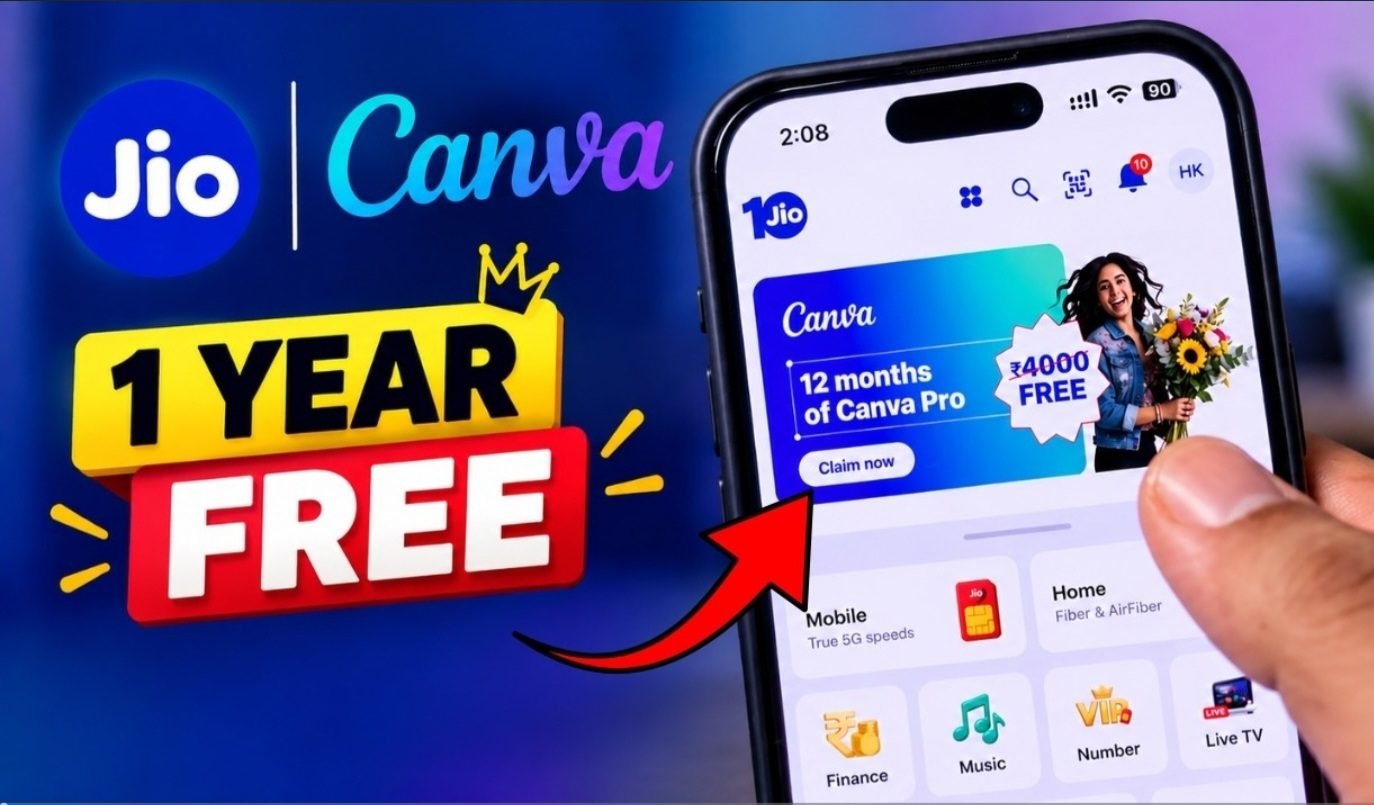
Jio FREE Canva Pro for 12 Months
Jio FREE Canva Pro for 12 Months: How to Claim & Activate Online Complimentary 12-Month Canva Pro Subscription via Jio: A Comprehensive Activation Guide
If the Canva Pro offer is not visible within your MyJio benefits dashboard, please note that this does not indicate a technical error; rather, the promotion may not currently be applicable to your specific account.
Procedures for Verifying the Canva Pro Offer in MyJio
To begin, please verify your account eligibility for this promotion.
Step 1: Launch the MyJio Application
Access the official MyJio app and authenticate your account using the relevant Jio mobile number associated with the desired benefits.
Step 2: Review Benefits and Promotional Offers
Navigate to the benefits or subscription sections within the application. Please note that interface terminology may vary based on app updates.
Step 3: Locate the Canva Pro Promotion
Should your account be eligible, the Canva Pro offer will be displayed. We advise reviewing the terms, including validity periods, eligibility criteria, and activation protocols, thoroughly.
Step 4: Execute the Claim or Activation Process
Select the “Claim” or “Activate” prompt. You may be redirected to the Canva platform or provided with instructions to link the benefit to your account.
Step 5: Authenticate Your Canva Account
Sign in to your preferred Canva account. If you do not have an existing account, proceed to register using your chosen method. Please ensure you use the account intended for long-term use, as the subscription is linked to this specific profile.
Step 6: Finalize Activation
Adhere to the on-screen instructions to complete the process. Once finalized, verify the status within your Canva account settings.
Verification of Canva Pro Activation
Upon completion, navigate to your Canva account settings to confirm your subscription status. We recommend retaining a screenshot of the confirmation for your records.
Utilization of Canva Pro Features
Upon successful activation, you may leverage premium features for various professional use cases, including:
YouTube Thumbnails
Develop high-impact thumbnails using advanced templates, stock assets, and professional editing tools.
Instagram Content
Design professional-grade Instagram posts, Stories, Reel covers, and promotional graphics.
Presentations
Leverage high-quality templates to create professional presentations suitable for educational, freelance, or corporate purposes.
Posters and Flyers
Small businesses can create professional-grade promotional materials, including posters, advertisements, flyers, and announcements, without the need to engage a professional designer for individual tasks.
Background Removal
The background removal tool isolates subjects from their original images, facilitating the production of professional thumbnails, product photography, and promotional graphics.
Brand Designs
The Brand Kit and associated features ensure uniformity in color palettes, typography, logos, and overall visual identity across all design assets.
Troubleshooting the Canva Pro Offer Visibility
The absence of the offer may be attributed to several factors.
First, your current Jio plan may not meet the specific eligibility criteria for this promotion.
Second, the campaign may be geographically restricted or unavailable for your specific account.
Third, the promotion may have expired or undergone modifications.
We recommend updating the MyJio application, re-authenticating your account, and revisiting the benefits section. Should the offer remain unavailable, please consult Jio’s official support channels for further clarification.
Exercise caution regarding unauthorized websites claiming to provide Canva Pro activation codes, as these may contain misleading information or solicit sensitive account credentials.
Is the 12-month Canva Pro offer provided at no cost?
If the offer is officially extended to an eligible Jio customer, the promotional period may be accessed without additional subscription fees.
However, users are advised to review the terms and conditions presented during activation, as promotional offers are subject to specific requirements, validity periods, and renewal policies.
Please note that promotional mechanics may vary across different offers.
Are existing Canva users eligible for the promotion?
Eligibility depends on the specific terms stipulated by the Jio and Canva promotion.
Certain offers are restricted to new users, while others may accommodate existing accounts. If you currently maintain a subscription, please review the eligibility criteria thoroughly prior to redemption.
Should the activation interface provide specific guidance for existing subscribers, please adhere to those instructions to avoid unnecessary account duplication.
Security Recommendations
When claiming online subscription offers, prioritize the use of official platforms and applications.
Please observe the following guidelines:
* Utilize the official MyJio app to verify your benefits.
* Refrain from sharing your Jio OTP with third parties.
* Do not disclose your Canva password to others.
* Avoid downloading unofficial Canva Pro APK files.
* Do not install modified versions of the Canva application.
* Review all promotional terms prior to activation.
* Confirm subscription status directly within your Canva account settings.
* Exercise skepticism regarding websites promising permanent free access to Canva Pro.
Authentic promotional offers will never require the disclosure of your password to unauthorized individuals.
Frequently Asked Questions
Does the Jio promotion include a 12-month Canva Pro subscription at no cost?
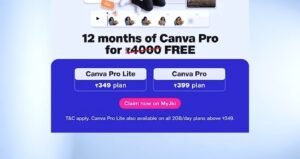
Eligible Jio subscribers may access promotional Canva Pro benefits, subject to account-specific availability. As eligibility criteria are dynamic, please refer to the MyJio app for the most current information.
How do I claim Canva Pro through Jio?
Launch the MyJio app and authenticate via your Jio credentials. Navigate to the offers or benefits section to determine eligibility and proceed with the specified activation process if the Canva Pro promotion is displayed.
| 📲 Download App |
|---|
Is a Canva account required?
Yes. Utilizing Canva’s subscription features necessitates an active Canva account. Depending on the specific promotion, you may either authenticate with an existing account or register a new one during the activation sequence.
What should I do if the offer is not visible?
Verify your Jio plan’s eligibility, ensure the MyJio app is updated to the latest version, and re-examine your available benefits. Should the offer remain unavailable, please reach out to official Jio support for further assistance.
Is Canva Pro compatible with mobile devices?
Yes. Canva is accessible via both mobile devices and desktop computers. Following subscription activation, simply sign in to your Canva account across your preferred devices to synchronize access.
Summary
The availability of Canva Pro via Jio promotions provides significant value to content creators, students, freelancers, and business professionals. Access to premium templates, design assets, background removal, and resizing tools streamlines the content production process.
To secure this benefit, please verify the current offer status directly within your MyJio account. If the Canva Pro promotion is listed under your benefits, follow the formal activation steps and confirm your subscription status within the Canva platform.
Given that promotional offers are subject to change, we recommend reviewing the latest terms prior to activation. If the offer is not currently available for your account, please refrain from using unauthorized third-party platforms and await a formal, eligible promotion.
Equipped with Canva’s professional toolset, you can produce high-quality YouTube thumbnails, social media graphics, presentations, and marketing collateral across devices, regardless of your prior design experience.
